Video – Two Free Video Analysis Tools; MediaInfo and Bitrate Viewer

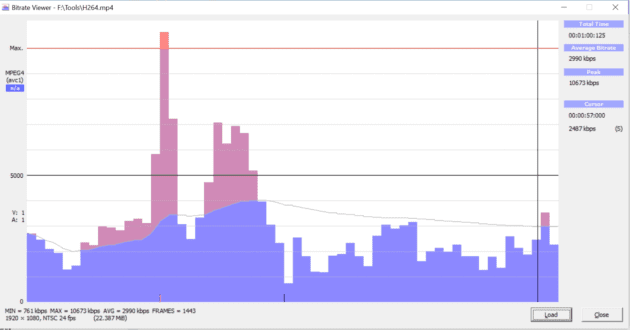
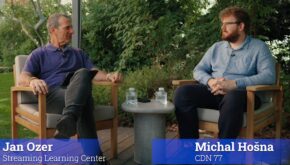
The video below shows two tools that I’ve installed on every computer that will run them; MediaInfo on all Windows, Linux, and Mac workstations, and Bitrate Viewer, which is Windows only. If you don’t know about these tools, you’ll find the seven-minute video very, very useful.

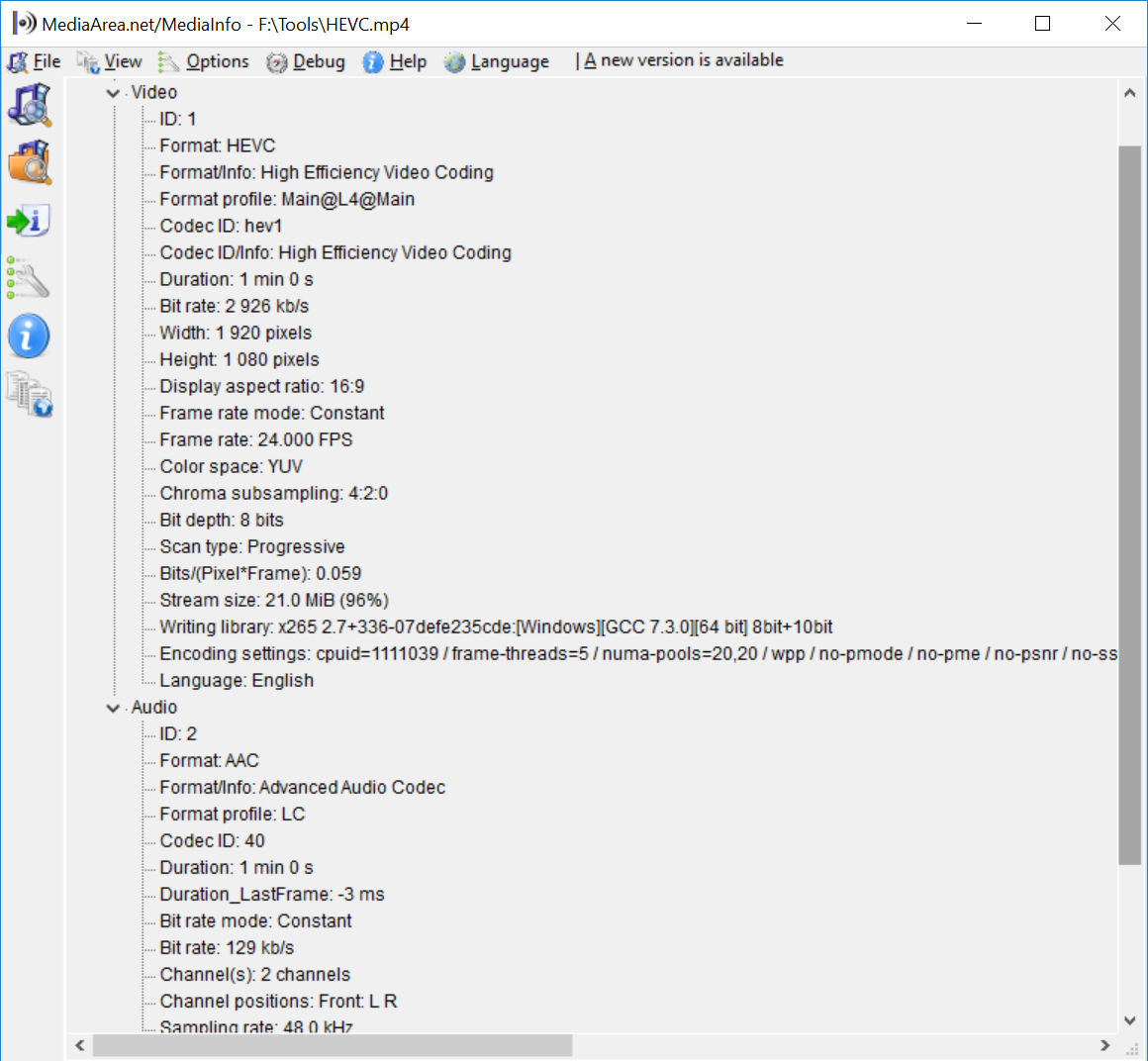
As a preview, MediaInfo provides information about my H.264, HEVC, VP9, and AV1-encoded files like data rate, resolution, codec, bits per pixel and encoding details like Profile and Level for H.264.
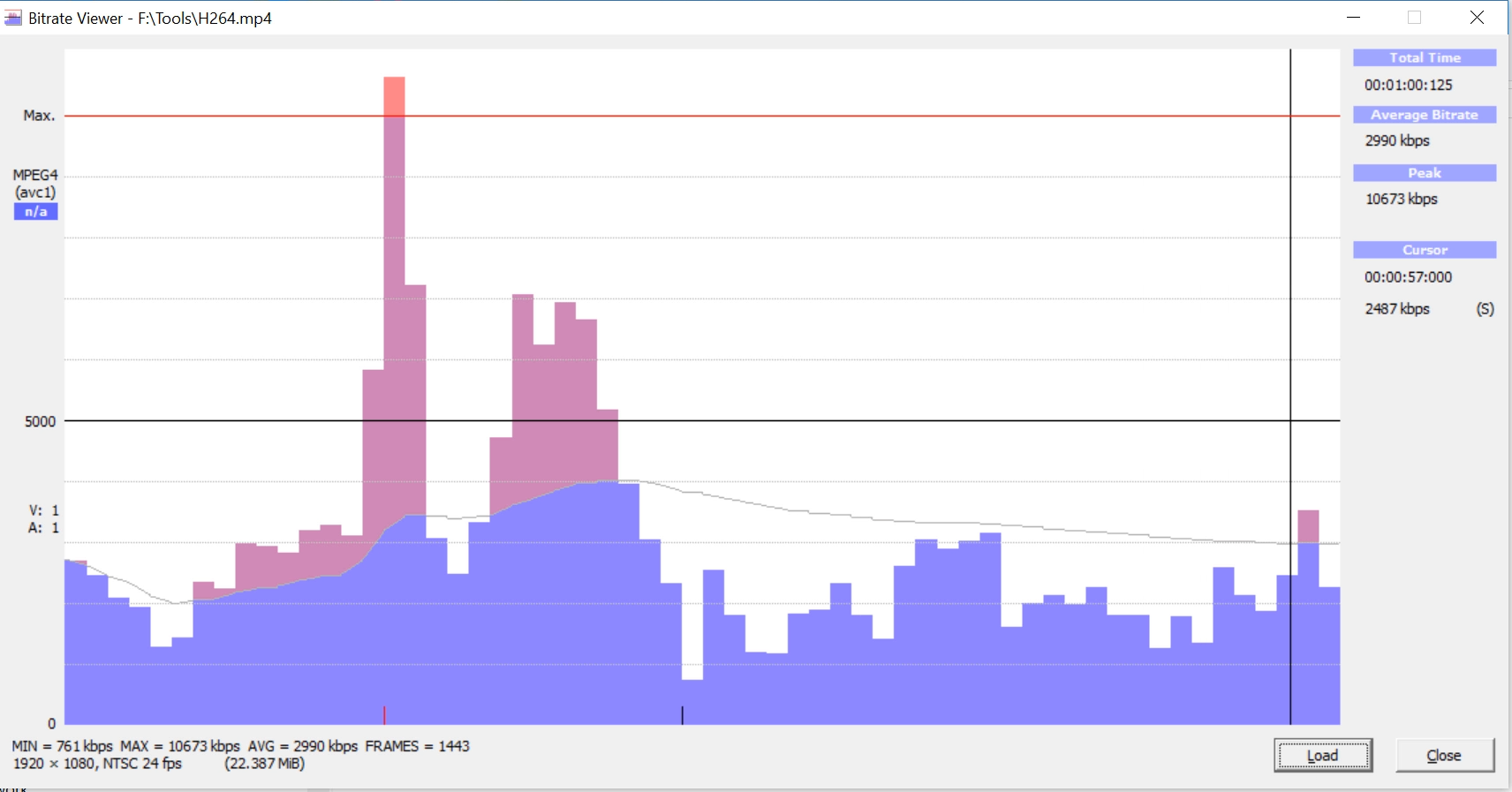
Bitrate Viewer shows a frame graph of H.264-only video files so I can diagnose problems like mid-stream interruptions.
In this video, you’ll learn why you need these programs and where to get them.

About Jan Ozer

Avatar photo
I help companies train new technical hires in streaming media-related positions; I also help companies optimize their codec selections and encoding stacks and evaluate new encoders and codecs. I am a contributing editor to Streaming Media Magazine, writing about codecs and encoding tools. I have written multiple authoritative books on video encoding, including Video Encoding by the Numbers: Eliminate the Guesswork from your Streaming Video (https://amzn.to/3kV6R1j) and Learn to Produce Video with FFmpeg: In Thirty Minutes or Less (https://amzn.to/3ZJih7e). I have multiple courses relating to streaming media production, all available at https://bit.ly/slc_courses. I currently work as www.netint.com as a Senior Director in Marketing.

Check Also

All Encoding Decisions Are Economic Decisions. It’s Time to Start Treating Them Accordingly

You think you know RD Curves. You think you know encoding ladders. I’m here to …

SLC Bitrate Explorer: Encode Verification for Professionals

I spent 30 years assessing and interpreting codec quality. Here’s the tool I built to …

Access Advance vs. Avanci Video: How the Streaming Programs Calculate Royalties

This report illustrates and compares the royalty calculations of two patent licensing programs, Access Advance’s …

Leave a Reply

Your email address will not be published. Required fields are marked *