Video: Applying Lumetri Looks and other Effects Directly in Adobe Media Encoder

Not quite sure when Adobe added these features, but I was puttering around in Adobe Media Encoder CC last week and noticed that Adobe added the ability to add Lumetri looks, text, graphics and timecode directly in Adobe Media Encoder (AME). In previous versions, you would have had to use Premiere Pro. If you’re working with content you didn’t edit in Premiere Pro, or simply don’t want to reopen Premiere Pro to apply these effects, the new features are a nice timesaver.

This short video shows you where to access them and how to use them.

New Features in The Adobe Media Encoder

About Jan Ozer

Avatar photo
I help companies train new technical hires in streaming media-related positions; I also help companies optimize their codec selections and encoding stacks and evaluate new encoders and codecs. I am a contributing editor to Streaming Media Magazine, writing about codecs and encoding tools. I have written multiple authoritative books on video encoding, including Video Encoding by the Numbers: Eliminate the Guesswork from your Streaming Video (https://amzn.to/3kV6R1j) and Learn to Produce Video with FFmpeg: In Thirty Minutes or Less (https://amzn.to/3ZJih7e). I have multiple courses relating to streaming media production, all available at https://bit.ly/slc_courses. I currently work as www.netint.com as a Senior Director in Marketing.

Check Also

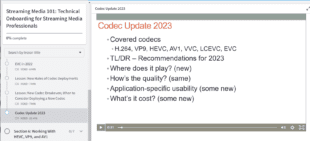
Shows the new lesson, Codec Updates 2023

New Lesson Helps Students Choose the Best Codec for Streaming

Just a quick note that I’ve updated the course, Streaming Media 101: Technical Onboarding for …

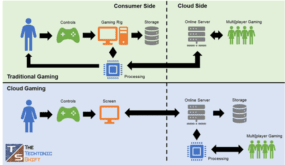
What is Cloud Gaming (and Why You Care)

What is Cloud Gaming (and Why You Care)

Video games are a huge market segment, projected to reach US$221.4 billion in 2023 and …

HEVC Passes AV1 on CanIUse

For some reason I can’t explain, Molly Brown’s comment from the movie Titanic, “there’s something …

Leave a Reply

Your email address will not be published. Required fields are marked *